NRI Income Tax Compliance
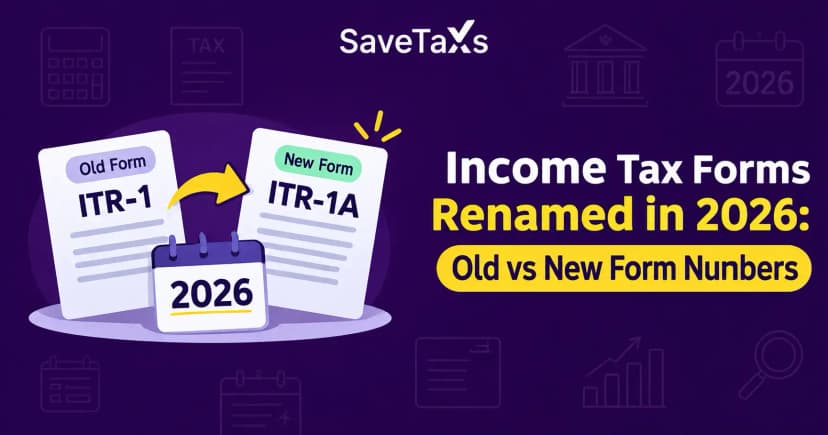
Income Tax Forms Renamed in 2026: Old vs New Form NumbersIncome Tax Forms Renamed in 2026: Old vs New Form Numbers
Written by Vipul Jain
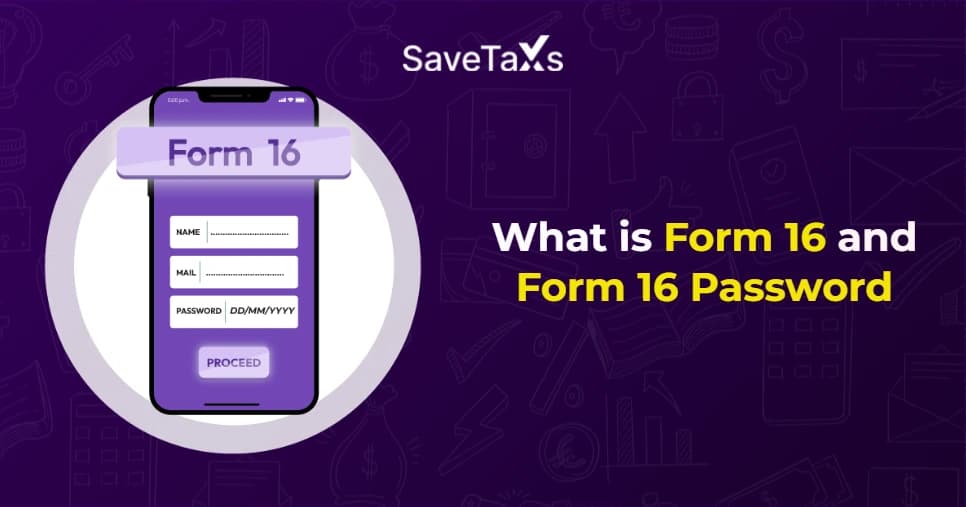
Form 16 is a crucial document issued by employers to salaried employees that contains sensitive financial information. It includes PAN information, salary details, TDS deducted, and more. To safeguard this confidential data, employers encrypt Form 16 in a password-protected PDF. The password for this PDF is easy to guess, generated from the employee's basic details. Generally, it is a combination of the first 5 characters of your PAN number in capital letters and your date of birth in the DDMMYYYY format.
For example, the password for PAN number ABCDE6789F and birth date is 11/01/2003, would be ABCDE11012003. However, the password format for Form 16 may vary from one organization/employer to another. In this blog, we will discuss what Form 16 is and how to reset its password.
Form 16 is a significant document that includes all the information regarding your income, such as salary, tax deductions based on investment declarations made to the employer, and TDS deducted from it. It comes in two parts, Part A and Part B, and is an important document for a salaried individual. Although not legally mandatory, Form 16 can simplify the ITR (Income Tax Return) filing process as it contains all the information required to file your ITR (Income Tax Return) accurately.
Since Form 16 contains crucial financial data about the employee, it is available in a password-protected PDF file. The Form 16 password is the first 5 letters of your PAN, in lowercase or uppercase, followed by your date of birth in DDMMYYYY format. For example, if your PAN number is ABCDE9876F and your date of birth is 04/10/2003, then your Form 16 password would be ABCDE04102003/ abcde04102003.
However, keep in mind that the Form 16 password can vary from one organisation to another. Hence, you must check your email for the correct password format to open your Form 16 PDF.
File your ITR accurately and optimize your tax savings with experts.
The password format for Form 16 varies by employer. You can use several password combinations to open Form 16. The table below contains some of the possible Form 16 password formats:
| Form 16 Password Format | Format Example | Explanation |
|---|---|---|
| First 5 letters of PAN + date of birth | ABCDE01052003 | The password can combine the first five letters of your PAN number in uppercase or lowercase and your date of birth in the DDMMYYYY format |
| Last 4 digits of your PAN + date of birth | 1234_15051996 | Some employers may use the last four digits of your PAN and your date of birth. |
| PAN number | EIXHG4578B | The password can be the PAN number of the employee in uppercase or lowercase. |
| Full name + date of birth | AjayGupta12071999 | Full name in either uppercase or lowercase and date of birth in the DDMMYYYY format. |
| Last name + PAN number | GuptaABCDE7891F | A combination of your last name in uppercase or lowercase and your PAN number |
You will need to enter a password each time you wish to access Form 16, as it is password-protected. To avoid this, you can remove the password by following the steps below:
Keep in mind that removing the Form 16 password using the steps above may change the file format, and the resulting PDF may not be readable by other software.
Note:- The password should be removed only for personal use and stored securely, as Form 16 contains sensitive financial information.
NRIs journey to stress-free taxation starts at Savetaxs.
The Form 16 password is easy to understand yet unique to each employee, generated using an employee's PAN and date of birth. Understanding its password can be crucial for salaried individuals as Form 16 may be required while filing ITR. Additionally, the password for Form 16 can be removed for easier access and personal use.
Furthermore, if you need more details or assistance with any issues related to Form 16 or other financial or tax matters, Savetaxs is the name to trust. We have a team of professionals who can resolve all your queries and help you gain confidence regarding your financial planning and tax obligations. So, avoid the stress and contact us right away.
This article is for general informational purposes only and does not constitute tax, legal, financial, or investment advice. Laws, regulations, rates, and procedures may change over time and may vary based on individual circumstances.
While SaveTaxs makes reasonable efforts to keep the information accurate and up to date, readers should verify applicable rules with official authorities or consult a qualified professional before making decisions based on this information.
Vipul Jain is the Co-Founder of SaveTaxs and a tax expert with experience in Indian and NRI taxation. He advises individuals, NRIs, and businesses on tax filing, tax planning, capital gains, DTAA, and compliance matters. He focuses on making complex tax concepts simple and helping taxpayers make informed, compliant decisions. See Full Bio
Want to read more? Explore Blogs